
School AI labs
School administrators manage labs and tablets, enroll students, and assign approved courses. Students sign in individually when they use a shared tablet.
- Ages 11–25
- Up to 1 verified hour per day
- Up to 4 registered students per tablet
School AI labs & teacher-led learning
Give learners a clear path through approved courses. Manage school labs and teacher-led batches, and track progress toward one shared milestone.
Learning modes
Both modes count toward the same 100-hour target. Choose the workspace that matches how you support learners.
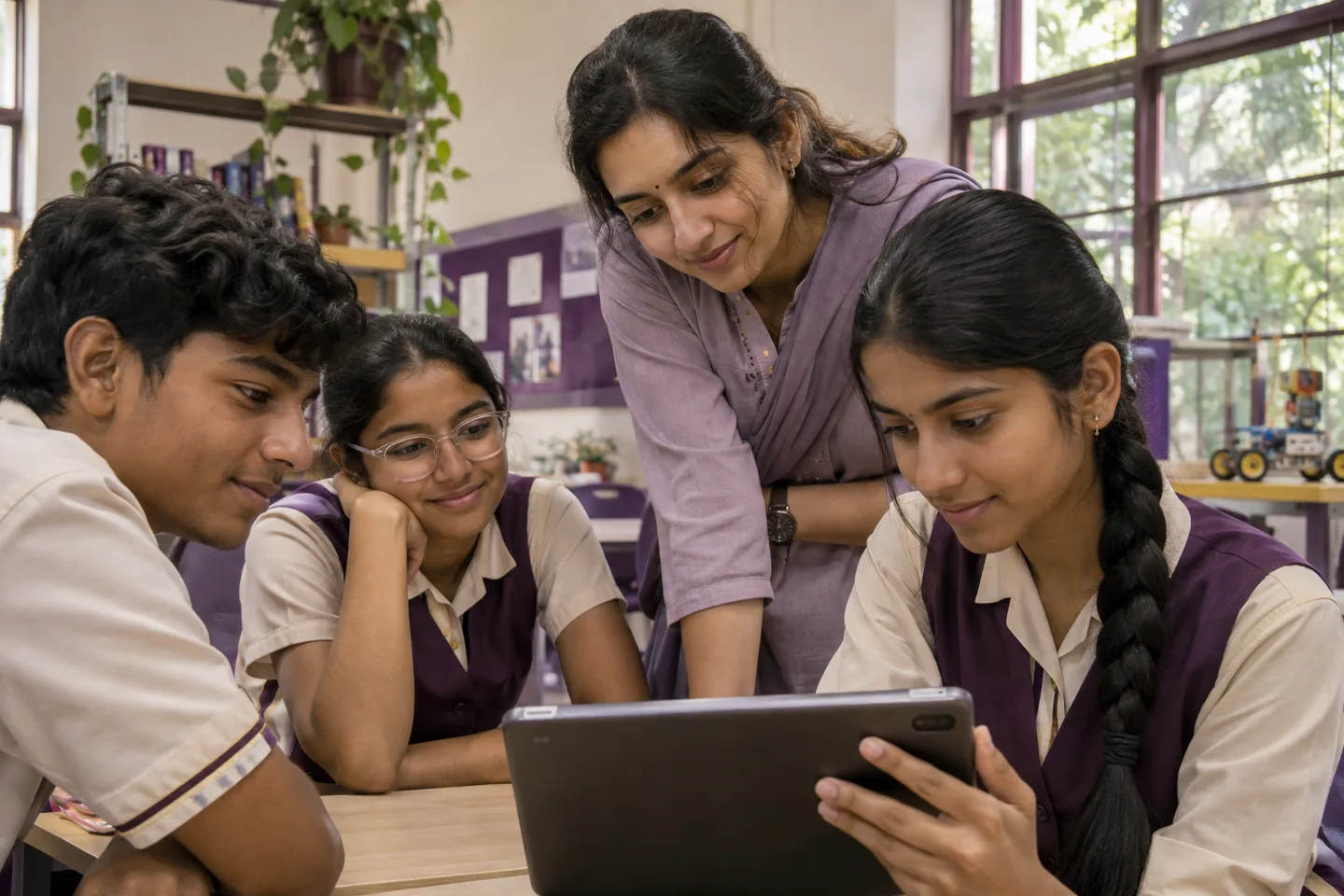
School administrators manage labs and tablets, enroll students, and assign approved courses. Students sign in individually when they use a shared tablet.
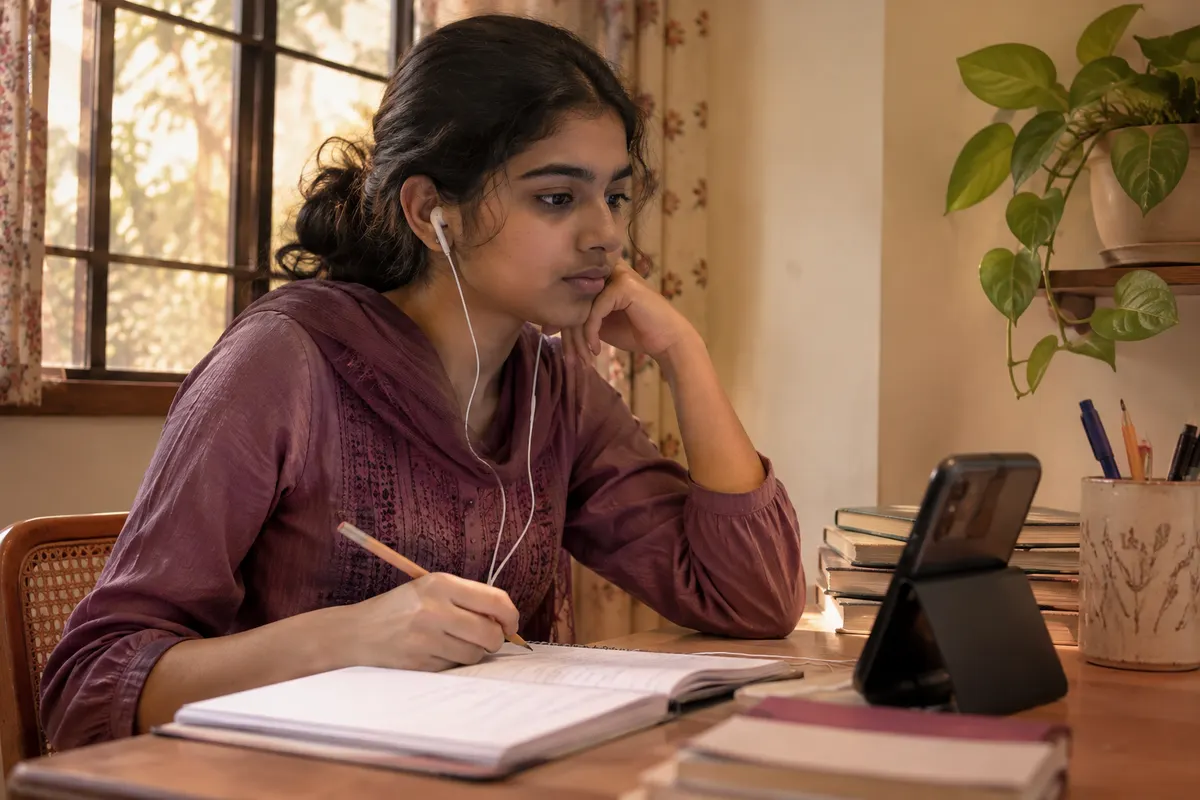
Approved school teachers organize learners into batches and assign courses. Students work through their lessons on a personal device.
Inside the school AI lab
A verified school can create AI labs and manage them from its school workspace.
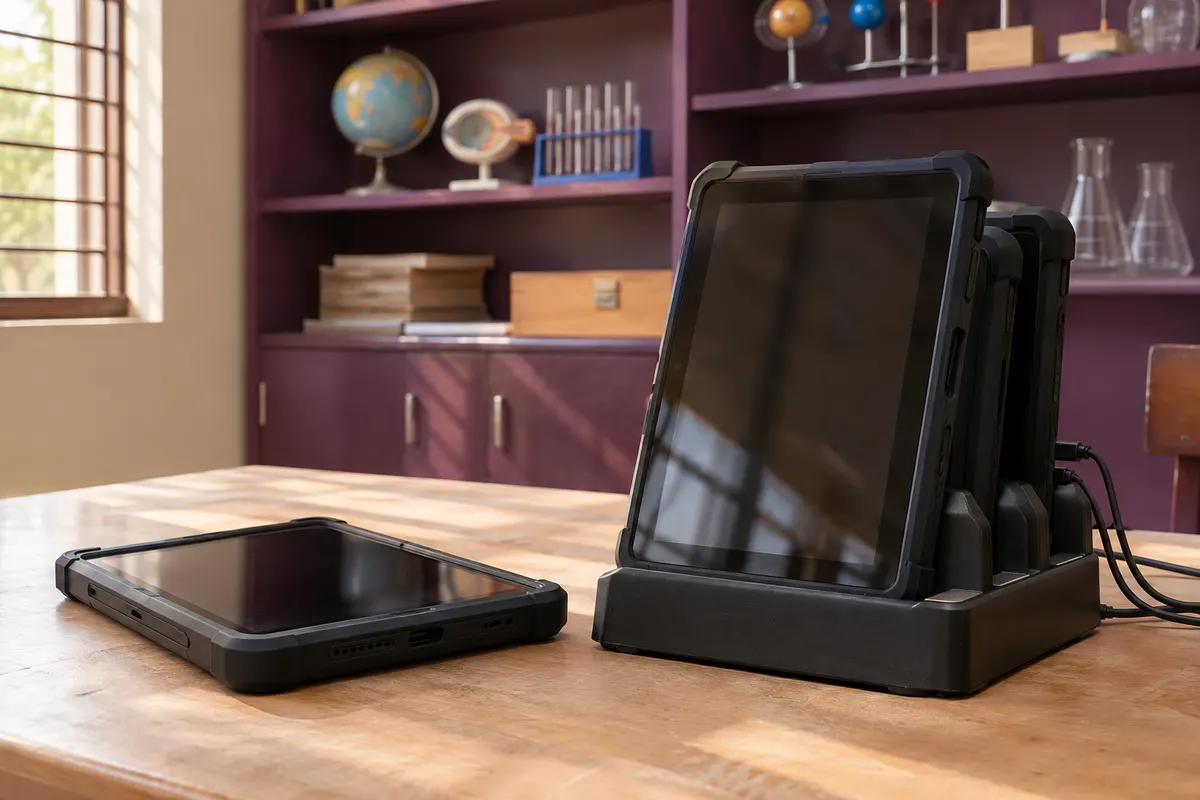
Add tablets to a specific lab, manage device status, and authorize the learning app on registered devices.
Link each learner’s verified account to their enrollment, assign a seat on a tablet, and select approved courses for them to study.
How it works
A school administrator or approved teacher enrolls learners and assigns courses. Staff record guardian consent for learners under 18.
Learners open assigned lessons in My learning. Eligible online video time adds up across approved courses, subject to the daily cap.
At 100 verified hours, learners can request a review in the learning app. An administrator approves completion before a certificate is issued.
Learning records

The target is 100 verified hours in total across approved courses assigned to the learner.
Eligible time spent actively watching assigned videos online counts toward the target. Rewatching a section that has already been credited adds no additional time.
Learners sign in with their own verified account before a school administrator or approved teacher links the account to an enrollment and assigns courses.
A school can register up to four students on one tablet. They take turns, signing in with their individual accounts so each learner’s progress is recorded separately.
No. The daily allowance resets at midnight India time. Verified time already earned stays in the learner’s total.
The learner can request completion review in the learning app. After approval, the learner can view and share a certificate with a verification QR code.
Browse course topics, levels and lesson outlines in the public catalog.